Welcome to the Teacher Dashboard
This guide explains how teachers can log in and use the AlifLaila Teacher Dashboard to manage classes, students, and reading activities easily. 1. How to Log In as a Teacher Open your internet browser. Go
This guide explains how teachers can log in and use the AlifLaila Teacher Dashboard to manage classes, students, and reading activities easily. 1. How to Log In as a Teacher Open your internet browser. Go
This guide explains how a Head Office user can log in, upgrade the school plan, and add a new campus on AlifLaila. Step 1: Log In as Head Office Open your internet browser. Go to:👉
This guide explains how students can log in and use AlifLaila to read books, track progress, and enjoy learning. 1. How to Log In as a Student Open your internet browser. Go to the AlifLaila
After logging in as a Campus, you can manage classrooms, teachers, students, and reading activity from one place. Note: You log in using the username and password provided by your school’s Head Office. If you
After creating your school account, you’ll be taken to the School Dashboard, where the head office can easily manage campuses, books, students, and plans. 1. What your dashboard shows you This is the first screen
This guide explains how schools can easily create their AlifLaila School Library account. No technical knowledge is required. Just follow the steps below. This account will be your main school admin account. You will use
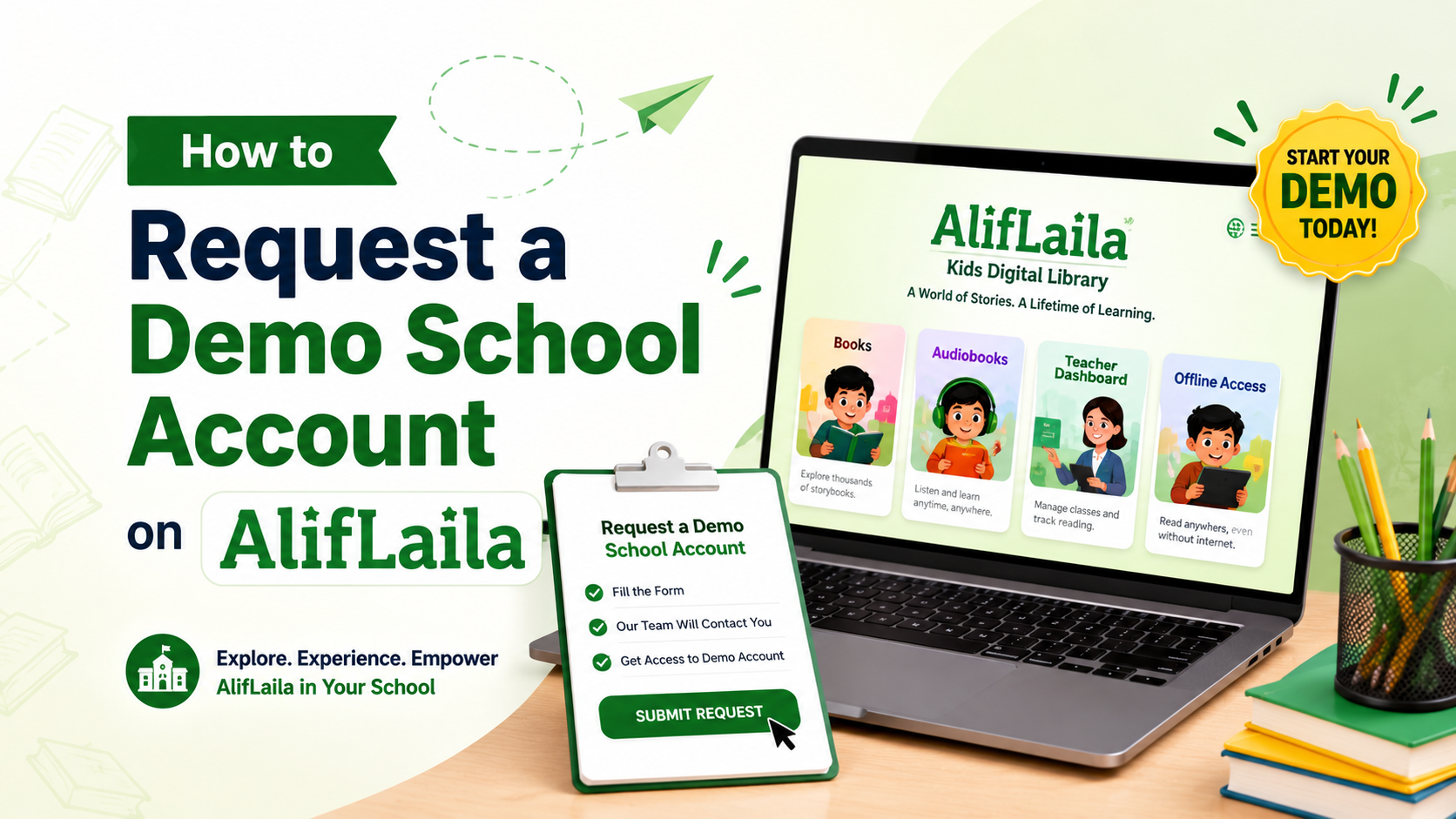
AlifLaila Kids Digital Library provides schools with the option to request a demo account before starting a full subscription. Through the demo school account, school administrators can explore the AlifLaila School Module, understand its features,
Yesterday, while scrolling through my phone, I saw a video of a child mocking his mother. The comments were full of laughter. I closed the app, but the discomfort stayed with me. Because somewhere, we